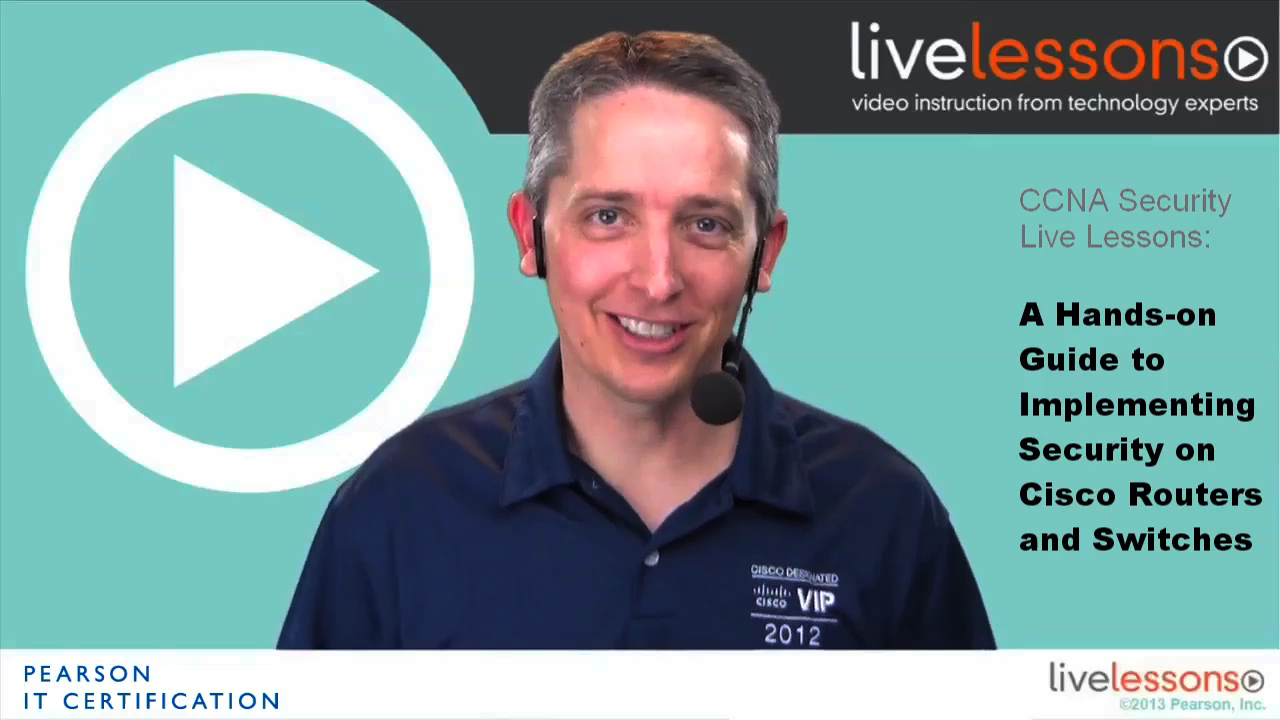
CCNA Security 640-554 LiveLessons (Video Training)
- By Keith Barker
- Published Dec 3, 2012 by Pearson IT Certification. Part of the LiveLessons series.
- Copyright 2013
- Edition: 1st
- Downloadable Video
- ISBN-10: 0-7897-4858-4
- ISBN-13: 978-0-7897-4858-4
Register your product to gain access to bonus material or receive a coupon.
5+ Hours of Video Instruction
CCNA Security 640-554 LiveLessons helps you develop the hands-on knowledge and skills you need to secure Cisco networks and prepare for the CCNA Secuirty IINS 640-554 exam.
In this video training, CCIE-certified expert trainer Keith Barker provides you 5 hours of hands-on, step-by-step video training on common Cisco network security configuration and troubleshooting tasks. These hands-on video lessons cover hardening network devices with Cisco Configuration Professional (CCP), implementing secure management and monitoring, using ACS and TACACS+, implementing layer 2 protection for switches, packet filtering ACLs, configuring Cisco IOS zone-based firewalls and Cisco ASA firewalls, adding IPS to Cisco routers, connecting IPsec site to site VPN tunnels on Cisco routers, and implementing SSL VPNs on the Cisco ASA. Through this collection of 10 video training lessons, divided into 29 sublessons, you will gain insight into the hands-on configuration and troubleshooting skills needed to develop a security infrastructure, recognize threats and vulnerabilities to networks, and mitigate security threats.
Skill Level
Beginner
What You Will Learn
- Harden network devices with CCP
- Implement secure management and monitoring
- Use a central ACS with TACACS+
- Implement Layer 2 protection for switches
- Reduce risk with ACL packet filtering
- Deploy IOS Zone-Based Firewalls and Cisco ASA firewalls
- Add IPS to Cisco routers
- Implement IPsec site-to-site and SSL VPNs
Who Should Take This Course
CCNA Security certification candidates are the primary audience for this product. This includes administrators, technicians, and network engineers who are responsible for securing Cisco routers and switches. These videos will appeal to any engineer involved in Cisco network security, especially Cisco reseller and partner engineers who are seeking to increase their understanding beyond CCNA or directly responsible for security in their organization.
Course Requirements
This product focuses on theoretical and practical configuration tasks. Users should have a basic understanding of networking technology or currently hold a CCNA certification. These individuals need not have extensive hands-on experience, since the focus of this product is an introduction to the Cisco router and switch security.
Table of Contents
Lesson 1: Hardening Cisco IOS Network Devices
Lesson 1.1: Initializing a Router to Allow Cisco Configuration Professional (CCP) to Connect and Manage the Router
Lesson 1.2: Defining Communities in CCP and Importing the Configuration from a Router
Lesson 1.3: Using the CCP Security Audit
Lesson 2: Implementing Secure Management and Monitoring
Lesson 2.1: Configuring Network Time Protocol (NTP)
Lesson 2.2: Configuring Syslog Destinations
Lesson 2.3: Creating Users in the Local Database (running-config)
Lesson 2.4: Enabling AAA Services
Lesson 2.5: Creating and Assigning Parser Views for Role Based Access Control (RBAC)
Lesson 3: Central Access Control Server (ACS)
Lesson 3.1: Configuring a Router to use TACACS+ with Cisco Access Control Server (ACS)
Lesson 3.2: Configuring Device Groups and Identity Groups Within ACS
Lesson 3.3: Configuring Authorization Policies in ACS
Lesson 3.4: Verifying the Results of ACS Authentication and Authorization at the Router
Lesson 4: Implementing Layer 2 Protection for Switches
Lesson 4.1: Protecting Spanning Tree Protocol (STP) with BPDU Guard
Lesson 4.2: Mitigating CAM Table Overflows Attacks Using Port Security
Lesson 5: Packet Filtering with Access Control Lists (ACL)
Lesson 5.1: Filtering IPv4 Packets on the Router Using Access Control Lists (ACL)
Lesson 5.2: Using Object Groups to Simplify ACL Management
Lesson 5.3: Filtering IPv6 Traffic
Lesson 6: Cisco IOS Zone Based Firewall (ZBF)
Lesson 6.1: Using CCP to Implement a Zone-Based Firewall (ZBF) on an IOS Router
Lesson 6.2: Using CCP to Modify and Verify the ZBF Components
Lesson 7: Cisco ASA Firewall
Lesson 7.1: Initializing a 5505 ASA Firewall
Lesson 7.2: Using ASDM to Configure the Firewall
Lesson 7.3: Configuring NAT on the ASA
Lesson 7.4: Implementing and Verifying Policy on the ASA
Lesson 8: IOS-Based Intrusion Prevention System (IPS)
Lesson 8.1: Installing the IOS-Based Intrusion Prevention System (IPS)
Lesson 8.2: Configuring and Verifying IOS-Based IPS
Lesson 9: IPsec VPN Site-to-Site Tunnels
Lesson 9.1: Using CCP to Create IPsec Site-to-Site Virtual Private Network (VPN) Tunnels
Lesson 9.2: Testing and Verifying IPsec Site-to-Site VPN Tunnels
Lesson 10: Implementing SSL VPNs on the Cisco ASA Firewall
Lesson 10.1: Using ASDM to Create the AnyConnect SSL VPN Service
Lesson 10.2: Using ASDM to Clientless SSL VPN Service
About LiveLessons Video Training
LiveLessons Video Training series publishes hundreds of hands-on, expert-led video tutorials covering a wide selection of technology topics designed to teach you the skills you need to succeed. This professional and personal technology video series features world-leading author instructors published by your trusted technology brands: Addison-Wesley, Cisco Press, IBM Press, Pearson IT Certification, Prentice Hall, Sams, and Que. Topics include: IT Certification, Programming, Web Development, Mobile Development, Home and Office Technologies, Business and Management, and more. View all LiveLessons on InformIT at: http://www.pearsonitcertification.com/livelessons
Table of Contents
Lesson 1: Hardening Cisco IOS Network Devices
Lesson 1.1: Initializing a Router to Allow Cisco Configuration Professional (CCP) to Connect and Manage the Router
Lesson 1.2: Defining Communities in CCP and Importing the Configuration from a Router
Lesson 1.3: Using the CCP Security Audit
Lesson 2: Implementing Secure Management and Monitoring
Lesson 2.1: Configuring Network Time Protocol (NTP)
Lesson 2.2: Configuring Syslog Destinations
Lesson 2.3: Creating Users in the Local Database (running-config)
Lesson 2.4: Enabling AAA Services
Lesson 2.5: Creating and Assigning Parser Views for Role Based Access Control (RBAC)
Lesson 3: Central Access Control Server (ACS)
Lesson 3.1: Configuring a Router to use TACACS+ with Cisco Access Control Server (ACS)
Lesson 3.2: Configuring Device Groups and Identity Groups Within ACS
Lesson 3.3: Configuring Authorization Policies in ACS
Lesson 3.4: Verifying the Results of ACS Authentication and Authorization at the Router
Lesson 4: Implementing Layer 2 Protection for Switches
Lesson 4.1: Protecting Spanning Tree Protocol (STP) with BPDU Guard
Lesson 4.2: Mitigating CAM Table Overflows Attacks Using Port Security
Lesson 5: Packet Filtering with Access Control Lists (ACL)
Lesson 5.1: Filtering IPv4 Packets on the Router Using Access Control Lists (ACL)
Lesson 5.2: Using Object Groups to Simplify ACL Management
Lesson 5.3: Filtering IPv6 Traffic
Lesson 6: Cisco IOS Zone Based Firewall (ZBF)
Lesson 6.1: Using CCP to Implement a Zone-Based Firewall (ZBF) on an IOS Router
Lesson 6.2: Using CCP to Modify and Verify the ZBF Components
Lesson 7: Cisco ASA Firewall
Lesson 7.1: Initializing a 5505 ASA Firewall
Lesson 7.2: Using ASDM to Configure the Firewall
Lesson 7.3: Configuring NAT on the ASA
Lesson 7.4: Implementing and Verifying Policy on the ASA
Lesson 8: IOS-Based Intrusion Prevention System (IPS)
Lesson 8.1: Installing the IOS-Based Intrusion Prevention System (IPS)
Lesson 8.2: Configuring and Verifying IOS-Based IPS
Lesson 9: IPsec VPN Site-to-Site Tunnels
Lesson 9.1: Using CCP to Create IPsec Site-to-Site Virtual Private Network (VPN) Tunnels
Lesson 9.2: Testing and Verifying IPsec Site-to-Site VPN Tunnels
Lesson 10: Implementing SSL VPNs on the Cisco ASA Firewall
Lesson 10.1: Using ASDM to Create the AnyConnect SSL VPN Service
Lesson 10.2: Using ASDM to Clientless SSL VPN Service
Downloadable Video
- Sorry, this book is no longer in print.
- About this video
Accessible from your Account page after purchase. Requires the free QuickTime Player software.
Videos can be viewed on: Windows 8, Windows XP, Vista, 7, and all versions of Macintosh OS X including the iPad, and other platforms that support the industry standard h.264 video codec.